Disclosure: NotaryStyle earns from qualifying purchases as an Amazon Associate. We independently research and recommend products. When you click links to buy products, we may earn a commission at no additional cost to you. Our recommendations are not influenced by commission — we only feature products we believe provide value to notaries.
This article is for informational purposes only and does not constitute legal, tax, or professional advice. Requirements for notaries public vary by state. Always check with your state's notary regulating authority and consult with a qualified professional regarding your specific business needs.
If you are a mobile notary or a loan signing agent, you already know that your car is essentially your mobile office. Between driving to appointments, printing massive loan packages, and ensuring every single signature is properly executed, your workflow depends heavily on having the right tech. But while most notaries obsess over finding the fastest printer, they often treat the scanning portion of their business as an afterthought.
In 2026, having the best scanner for notary work is no longer optional. Whether you are dealing with a "fix" (a missing initial or misplaced date), scanning documents for your own notary journal best practices, or accommodating title companies that prefer instant digital returns, a reliable mobile notary scanner can save you time, gas, and your professional reputation.
Here is a comprehensive guide to finding the perfect scanning solution for your notary business, including dedicated scanners, all-in-one options, and the printers you should pair them with.
Why Mobile Notaries Need a Dedicated Scanning Setup
Handling paper is the name of the game for loan signers. A typical refinance or purchase package can range from 80 to 150 pages. If a borrower misses a signature on page 42, you generally have two choices: drive all the way back out to fix it, or scan the specific page and email it to the title company for a "cure."
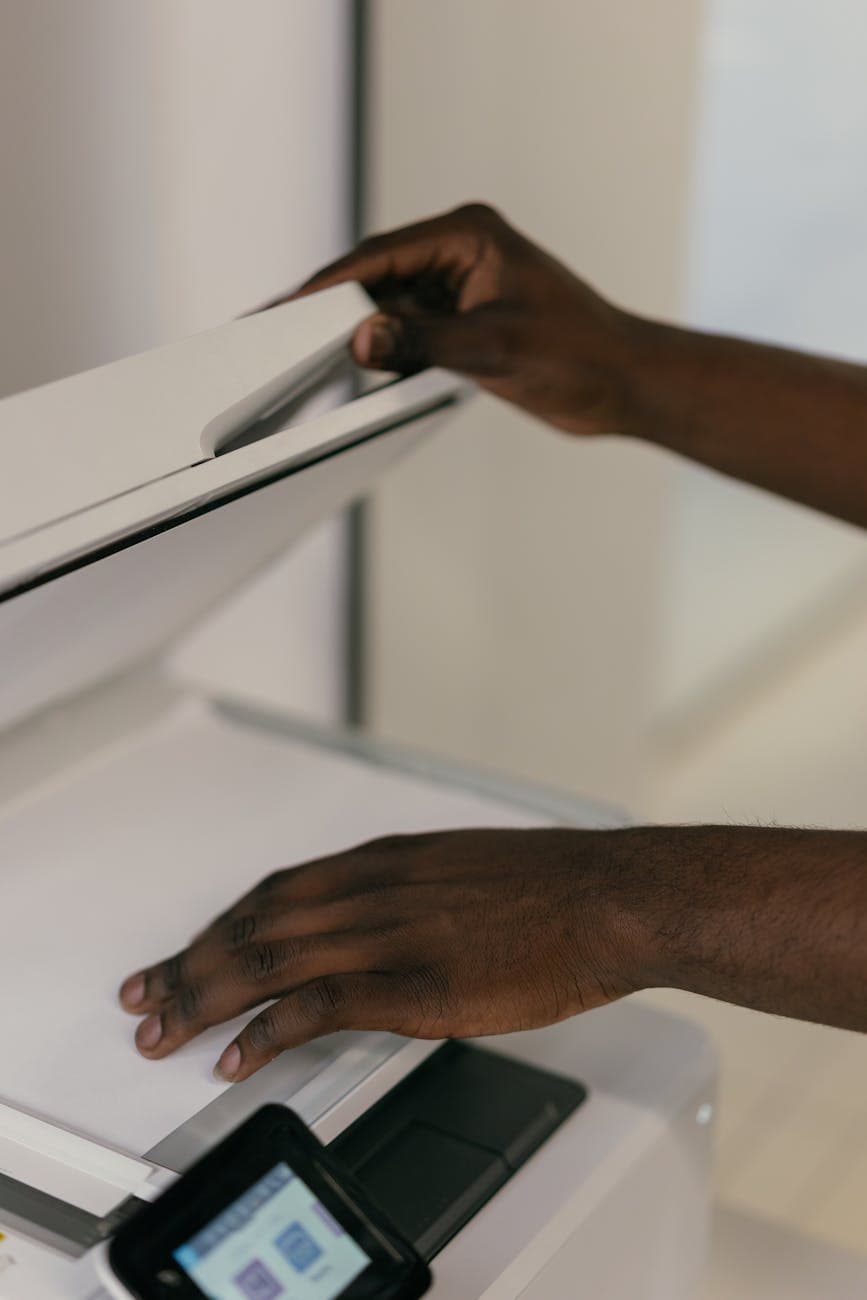
Scanning that one page quickly and clearly can save you an hour of drive time. Beyond fixes, many signing agents are now required to scan and email the entire executed package back to the lender or title company immediately after the appointment. Trying to do this with a flatbed scanner or a smartphone app will severely bottleneck your business. You need a machine with an Automatic Document Feeder (ADF) that can handle high volumes, scan double-sided pages, and produce crisp, legible PDFs.
Key Features to Look for in a Portable Scanner
When shopping for a mobile notary scanner, you will quickly see that the market is flooded with options. To narrow it down, keep these critical features in mind:
- Duplex Scanning: This is non-negotiable. Duplex scanning means the machine scans both sides of the page in a single pass. Since many legal documents and loan packets are printed double-sided, a simplex (single-sided) scanner will effectively cut your speed in half and force you to manually flip every page.
- Feeder Capacity: Look for a scanner with an ADF that holds at least 30 to 50 pages. This allows you to load a small stack of documents, press a button, and walk away to pack up your briefcase.
- Scan Speed: Speed is measured in pages per minute (ppm). For mobile notaries, a scanner that processes 25 to 35 ppm is generally the sweet spot. Anything slower will leave you sitting in your car longer than necessary.
- Resolution (DPI): For standard text documents, 300 dots per inch (DPI) is the industry standard. It creates a clean, readable file without generating an unnecessarily massive file size that will bounce back from email servers.
- Connectivity: While USB connectivity is reliable, a Wi-Fi enabled scanner offers incredible flexibility. It allows you to connect directly to your smartphone or tablet, meaning you don't even need to boot up a laptop to send a scanned cure document.
Top Dedicated Scanners for Notaries
Dedicated scanners are designed to do exactly one thing: digitize paper quickly and accurately. For notaries who handle high-volume loan signings, a dedicated scanner is typically the best investment.
Epson WorkForce ES-400 II Document Scanner
The Epson WorkForce ES-400 II Document Scanner is widely considered the gold standard for notaries who want a balance of speed, reliability, and compact size.
Pros:
- Blazing fast speed at up to 35 ppm (or 70 images per minute when scanning double-sided).
- 50-page ADF, which is perfect for scanning chunks of a loan package.
- Extremely compact footprint, making it easy to stash in the backseat or trunk of your car.
- Excellent software that creates searchable PDFs automatically.
Cons:
- It requires a wired USB connection to a computer, meaning you cannot scan directly to your phone.
- It does not print or copy, so you will need a separate printer.
Best for: The budget-conscious signing agent who wants top-tier scanning speeds and doesn't mind connecting to a laptop.
Epson WorkForce ES-500W II Wireless Duplex Scanner
If you want the power of the ES-400 II but need the freedom of wireless connectivity, the Epson WorkForce ES-500W II Wireless Duplex Scanner is the upgrade you are looking for.
Pros:
- Built-in Wi-Fi and Wi-Fi Direct allow you to scan directly to smartphones, tablets, or cloud services without a router.
- Slightly larger 50-page ADF that handles thicker stacks with fewer jams.
- Same impressive 35 ppm speed as its wired counterpart.
- Includes a convenient carrier sheet for scanning fragile or oddly sized documents like crumpled closing disclosures.
Cons:
- Higher price point than the ES-400 II.
- Slightly larger footprint, though still highly portable.
Best for: The high-tech mobile notary who prefers to travel light with just an iPad or smartphone and wants to scan cures on the go without lugging out a laptop.
Need a Printer Too?
If you are looking for a scanner, you will also need a reliable dual-tray laser printer. Check out our dedicated guide to the best laser printers for a notary business for our top recommendations.
Already have a single-tray printer? Our free Notary Professional Toolkit PDF Splitter automatically separates legal and letter-size pages after printing — included free with the Notary Signing Agent Academy.
The Perfect Printing Companions
For the best results, pair your scanner with a dual-tray laser printer. See our printer guide for detailed recommendations.
Already have a single-tray printer? Our free Notary Professional Toolkit PDF Splitter automatically separates legal and letter-size pages after printing — included free with the Notary Signing Agent Academy.
How to Choose the Right Setup for Your Business
Still not sure which route to take? Here is a quick breakdown based on common notary profiles:
- The Part-Time Mobile Notary: You do a few signings a month and mostly handle general notarizations. Pair the Brother HL-L5200DWT Monochrome Laser Printer with the Epson WorkForce ES-400 II Document Scanner. This gives you dual-tray printing capability and solid scanning at the lowest overall investment.
- The Tech-Savvy Signing Agent: You want to travel as light as possible and prefer using a tablet over a laptop. Get the Epson WorkForce ES-500W II Wireless Duplex Scanner so you can scan cures directly to your cloud storage from your phone.
- The Space-Saver: Your trunk is already full of supplies. Go with a compact dual-tray model like the Brother HL-L5200DWT to keep your footprint small while maintaining dual-tray printing.
- The Full-Time Loan Signing Pro: You are doing multiple signings a day, every day. Invest in the Epson WorkForce ES-500W II Wireless Duplex Scanner and pair it with the Brother HL-L6210DWT Dual Tray Laser Printer. This high-capacity dual-tray and wireless-scanning combo is the ultimate 2026 mobile signing setup.
Frequently Asked Questions
Do I really need a physical scanner if I have a smartphone scanner app? While apps like Adobe Scan are great in an absolute emergency, they are generally not accepted by title companies for official loan cures. Phone cameras often create distorted, curved, or shadowed images. A physical mobile notary scanner uses straight-through paper feeding to create perfectly aligned, professional-grade PDFs that meet lender and title company standards.
What DPI should I set my scanner to for notarized documents? For standard text documents, 300 DPI is the sweet spot. It provides incredibly sharp text while keeping file sizes manageable (usually under 1MB for a standard page). Scanning at 600 DPI is usually overkill for text, as it will create unnecessarily massive files that are slow to upload and difficult to email.
Is an all-in-one printer scanner good enough for loan signings? It can be, but it depends on your volume. A dedicated scanner like the Epson ES-500W II will process pages faster and with fewer paper jams because its feeding mechanism is specifically engineered for high-volume scanning. However, pairing a dedicated scanner with a dual-tray laser printer gives you the best of both worlds.
Can I scan documents in my car without a Wi-Fi connection? Yes. If you are using a USB-connected scanner like the Epson ES-400 II, you just connect it directly to your laptop—no internet required. If you are using a wireless model like the ES-500W II, it features "Wi-Fi Direct." This means the scanner creates its own localized Wi-Fi network that your phone or tablet can connect to directly, allowing you to scan files even if you are parked in a rural area with no cell service.
How do I securely transmit scanned borrower documents? Always avoid sending sensitive borrower information (like Social Security numbers found on tax returns or W-2s) via standard, unencrypted email. Instead, use a secure portal provided by the title company, or use an encrypted file-sharing service. For more on protecting borrower data, read our guide on [notary security best
Learn More: For the complete guide, visit our Complete Guide to Notary Supplies: Everything You Need in 2026 page.
practices](/blog/notary-security-best-practices).