Disclosure: NotaryStyle earns from qualifying purchases as an Amazon Associate. We independently research and recommend products. When you click links to buy products, we may earn a commission at no additional cost to you. Our recommendations are not influenced by commission — we only feature products we believe provide value to notaries.
This article is for informational purposes only and does not constitute legal advice. Notary laws and regulations regarding digital copies, document retention, and remote online notarization vary by state. Always check with your state's notary commissioning authority and consult with an attorney if you have specific legal questions about record-keeping requirements.
In 2026, the role of a notary public looks remarkably different than it did even a few years ago. With the massive rise of mobile notary work and Remote Online Notarization (RON), today's notaries are constantly on the move. Whether you are sitting at a borrower's kitchen table closing a loan, or working from a home office processing digital documents, you need the ability to create high-quality digital copies quickly.
That is where finding the best scanning app notary professionals trust becomes critical. While you can technically just snap a photo of a document with your standard phone camera, the results are often skewed, shadowed, and unprofessional. A dedicated smartphone scanner app notary tool corrects perspective, removes shadows, and converts your images into searchable, secure PDF files that look like they came from a desktop flatbed scanner.
If you are ready to ditch the bulky office equipment and streamline your mobile notary business, here is a comprehensive guide to the best smartphone scanners and apps on the market today.
What Makes a Great Scanner App for Notaries?
Before diving into specific recommendations, it helps to understand what separates a generic scanner app from one that is truly built for professional notary work. When evaluating these tools, keep an eye out for these four essential features:
1. Superior Edge Detection and Perspective Correction Notaries rarely have the luxury of a perfectly lit, perfectly flat scanning surface. You might be scanning an ID at a cramped closing table. The best apps automatically detect the edges of a document and correct the perspective so the final PDF looks perfectly rectangular.
2. Optical Character Recognition (OCR) OCR technology translates the text within an image into searchable, selectable text. If your state requires you to maintain a digital journal or you need to search through past loan packages for a specific borrower name, OCR is an absolute game-changer.
3. PDF/A Format Support Many states that permit digital record-keeping require documents to be saved in a specific archival format, typically PDF/A. This format embeds all fonts and ensures the document will look exactly the same 20 years from now. Apps that offer PDF/A export give you added peace of mind.
4. Security and Encryption As a notary, you handle highly sensitive information, including Social Security numbers, financial data, and personal addresses. The app you choose must offer secure cloud storage, password-protected PDFs, and clear data privacy policies.
Top Smartphone Scanner Apps for Notaries
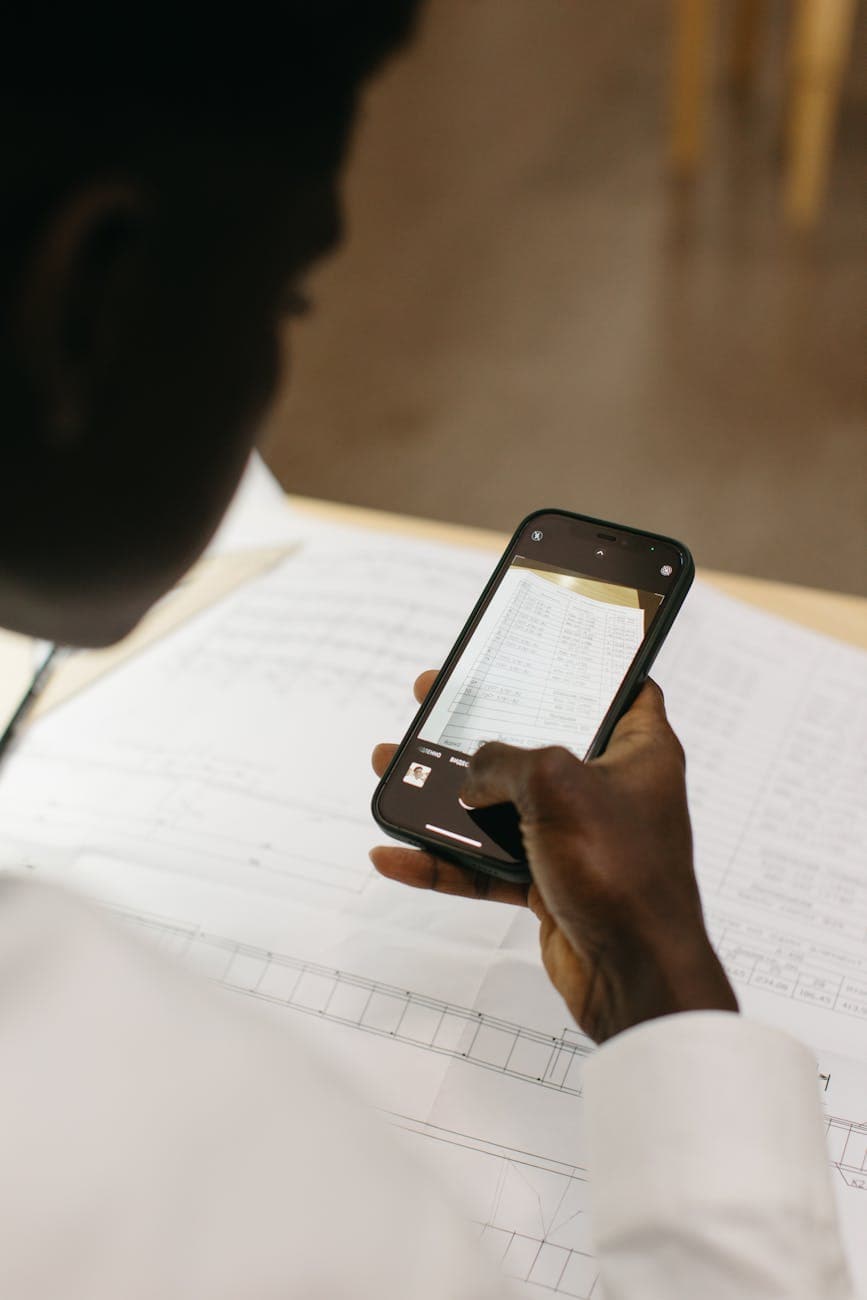
Here are the top scanner apps that consistently meet the rigorous demands of professional notaries, complete with pros, cons, and specific use cases.
1. Adobe Scan
Adobe Scan is widely considered the gold standard for mobile document scanning, largely because it leverages Adobe's decades of PDF expertise. When you open the app, it automatically detects documents and captures them in a continuous batch mode, meaning you can scan a multi-page loan package rapidly without tapping the shutter button for every single page.
Pros:
- Free OCR: Unlike many competitors, Adobe Scan includes free, built-in optical character recognition.
- Auto-Cropping: The edge detection is incredibly accurate, even on wrinkled or slightly curved pages.
- Adobe Integration: Scans automatically save to Adobe Document Cloud, making it seamless to open and edit them later in Adobe Acrobat.
Cons:
- Cloud storage is limited to 2GB on the free tier, which can fill up quickly if you are scanning high-resolution loan documents.
- Requires an Adobe account to use, which some users prefer to avoid.
Best For: The notary who already uses Adobe Acrobat for their RON platform or who wants reliable, free OCR without paying a monthly subscription.
2. CamScanner (Premium Version)
CamScanner Premium is one of the most popular scanning apps in the world, and for good reason. It is incredibly feature-rich. However, it is important to note that while there is a free version, it places a watermark on your documents—which is highly unprofessional for notary work. You will need the premium version.
Pros:
- Advanced Editing: Offers tools to add digital signatures, watermarks (if you choose to add your notary seal watermark to copies), and annotations.
- High-Quality Filters: The app has some of the best color and contrast filters for making faded text legible.
- Fax Integration: CamScanner actually allows you to fax documents directly from the app, which can occasionally be a lifesaver for title companies that still use legacy fax systems.
Cons:
- It is a subscription-based model, typically running around $50 a year.
- The app has had some past security controversies regarding data privacy, though they have since implemented stricter encryption protocols.
Best For: High-volume mobile notaries and loan signing agents who need advanced document manipulation features and the ability to fax on the go.
3. Microsoft Lens
Formerly known as Office Lens, Microsoft Lens is a completely free, surprisingly powerful scanner app. It was originally designed to scan whiteboards and presentation slides, but it has evolved into a highly capable document scanner.
Pros:
- Completely Free: There are no premium tiers, no watermarks, and no hidden subscription fees.
- Seamless Export: It integrates flawlessly with Microsoft OneDrive, Word, and OneNote. You can scan a document and have it instantly converted into an editable Word document.
- Business Card Mode: Great for networking at real estate offices or title companies, as it automatically extracts contact information from business cards.
Cons:
- The PDF export options are slightly less customizable than Adobe Scan or CamScanner.
- It lacks some of the advanced "fancy" filters that make poorly lit documents pop.
Best For: Notaries who are already embedded in the Microsoft/OneDrive ecosystem and want a completely free, highly secure scanning solution.
4. TurboScan
If you absolutely despise subscription models and just want to pay for an app once, TurboScan is the answer. It is a straightforward, no-nonsense scanner that focuses on speed and clarity.
Pros:
- One-Time Purchase: Usually priced around $5 to $10, with no recurring fees.
- "SureScan" Mode: This proprietary feature takes three photos of the same document in rapid succession and combines them to create the sharpest possible image.
- Fast Processing: It is incredibly lightweight, meaning it opens and processes pages faster than almost any other app on the market.
Cons:
- OCR is not available on all devices or requires an in-app purchase depending on your operating system.
- The user interface feels a bit dated compared to the sleek designs of Adobe or Microsoft.
Best For: The budget-conscious notary who wants a reliable, fast tool without getting locked into a recurring monthly bill.
When to Consider a Portable Hardware Scanner
While apps are fantastic for IDs, single-page acknowledgments, and smaller assignments, they do have limitations. If you are a loan signing agent handling 100-page mortgage packages, scanning page-by-page with a phone camera can be tedious. In these cases, you might want to pair your smartphone with a portable hardware scanner.
The DoXie Go SE is a perfect example of a notary-friendly portable scanner. It is a battery-powered wand scanner that does not require a computer to operate. You can feed pages through it at a closing, save them to an SD card, and later connect it to your phone via Wi-Fi to upload the files. It creates perfect, flat scans at a fraction of the time it takes to photograph individual pages.
The Verdict: Use a scanner app for your daily, on-the-fly needs (like scanning a borrower's driver's license or a loose jurat). Invest in a portable hardware scanner if you are routinely tasked with digitizing massive stacks of paperwork.
Tips for Getting the Perfect Scan in the Field
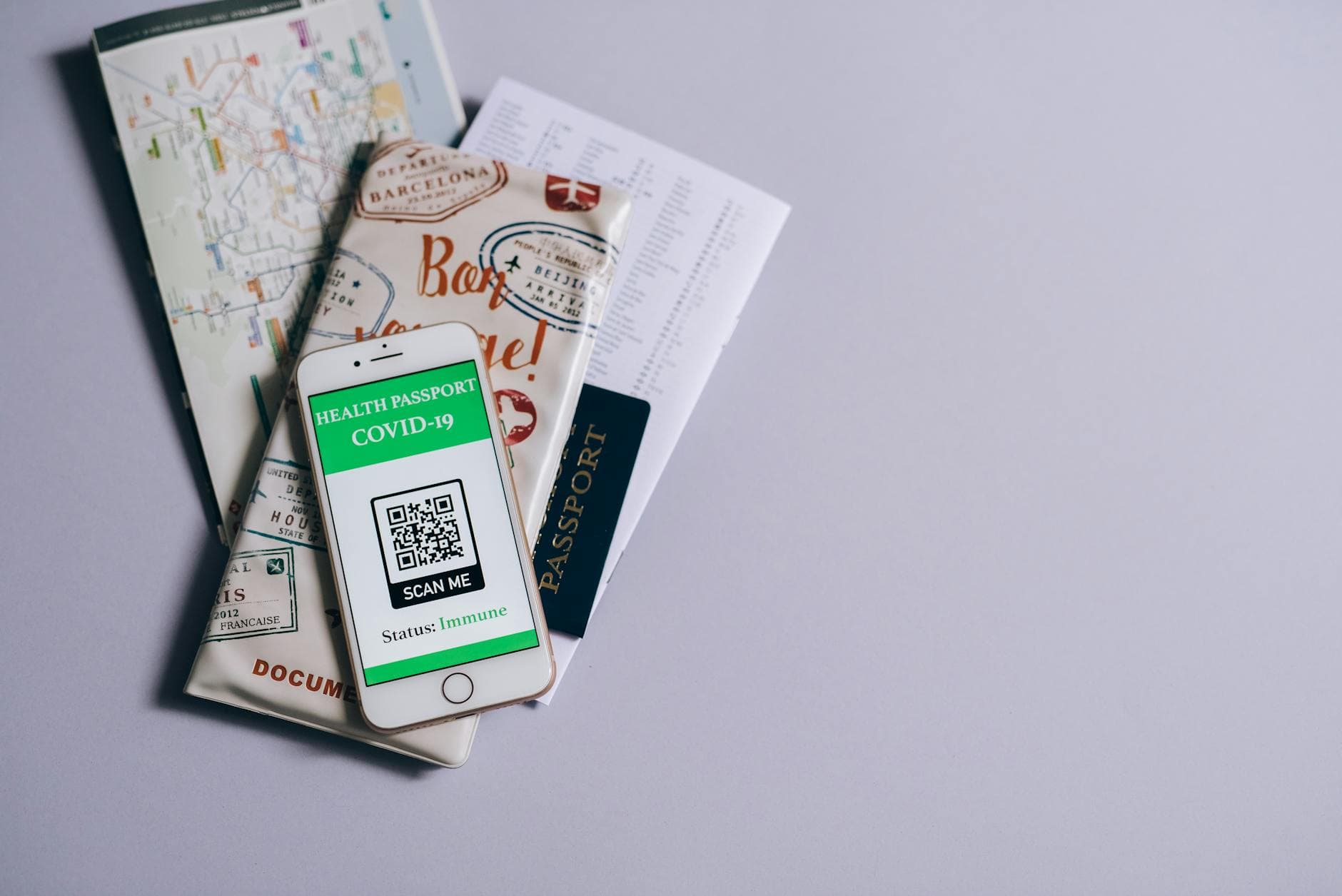
Even the best scanning app notary tool will struggle if your technique is poor. To ensure your digital copies are crisp, legible, and professional, follow these best practices:
- Find the contrast: Always place the document on a dark, contrasting surface. If you place a white piece of paper on a light wood table, the app's edge detection will get confused. Use a dark folder, a black clipboard, or even a dark shirt as a backdrop.
- Manage your shadows: Hold your phone so that your hand and the phone itself do not cast a shadow across the document. Position yourself so the light source is behind you.
- Hold steady: Even with auto-capture, a shaky hand can blur the text. Rest your elbows on the table or hold the phone with both hands.
- Check state laws on copies: Before you start digitizing everything, check your state notary guide regarding copies of identification. Some states strictly prohibit notaries from retaining copies of a signer's ID, even digitally, while others encourage it for journal keeping.
For more insights on optimizing your mobile office setup, check out our guide on mobile notary supplies.
Frequently Asked Questions
Are scanned documents legally acceptable for my notary journal? It depends entirely on your state. Some states explicitly allow digital notary journals and accept scanned copies of identification. Other states require physical, bound paper journals. Always check with your state's notary commissioning authority before relying solely on a smartphone scanner for your record-keeping.
Can I use a scanning app for Remote Online Notarization (RON)? Generally, no. RON platforms typically use their own built-in, biometric credential analysis tools (like KBA or automated ID verification) that require the signer to take a live selfie and upload photos of their ID directly into the secure platform. A separate scanner app is not usually part of the RON process, though you may use one to keep copies of your own transaction logs. To learn more, read our complete guide to RON.
Is it safe to store notary documents in the cloud? Storing documents in the cloud is generally safe, provided you are using reputable services (like Adobe Cloud, Microsoft OneDrive, or Apple iCloud) and you follow security best practices. You should always password-protect PDFs containing sensitive financial information and ensure that your phone requires a passcode or biometric login.
Do I really need OCR as a notary? While not legally required, OCR is highly recommended for practical reasons. If you ever need to search through months or years of digital records to find a specific name or date, OCR allows your computer to search the text within the PDF. Without OCR, your computer only sees a blank image, making digital archiving essentially useless for searchability.
What is the difference between a regular PDF and a PDF/A? A regular PDF can be edited, and it might rely on external fonts or links that could break over time. A PDF/A is an archiving standard specifically designed for long-term digital preservation. It embeds all fonts and forbids features like audio or video. If your state allows digital journaling, they may specifically require the PDF/A format to ensure your records remain intact and unalterable f
Learn More: For the complete guide, visit our Complete Guide to Notary Supplies: Everything You Need in 2026 page.
or the duration of your required retention period.