Disclosure: NotaryStyle earns from qualifying purchases as an Amazon Associate. We independently research and recommend products. When you click links to buy products, we may earn a commission at no additional cost to you. Our recommendations are not influenced by commission — we only feature products we believe provide value to notaries.
This article is for informational purposes only and does not constitute legal advice. Notary laws vary significantly by state. Always check with your state's Secretary of State or notary regulating authority and consult with a qualified attorney for specific legal questions regarding remote online notarization.
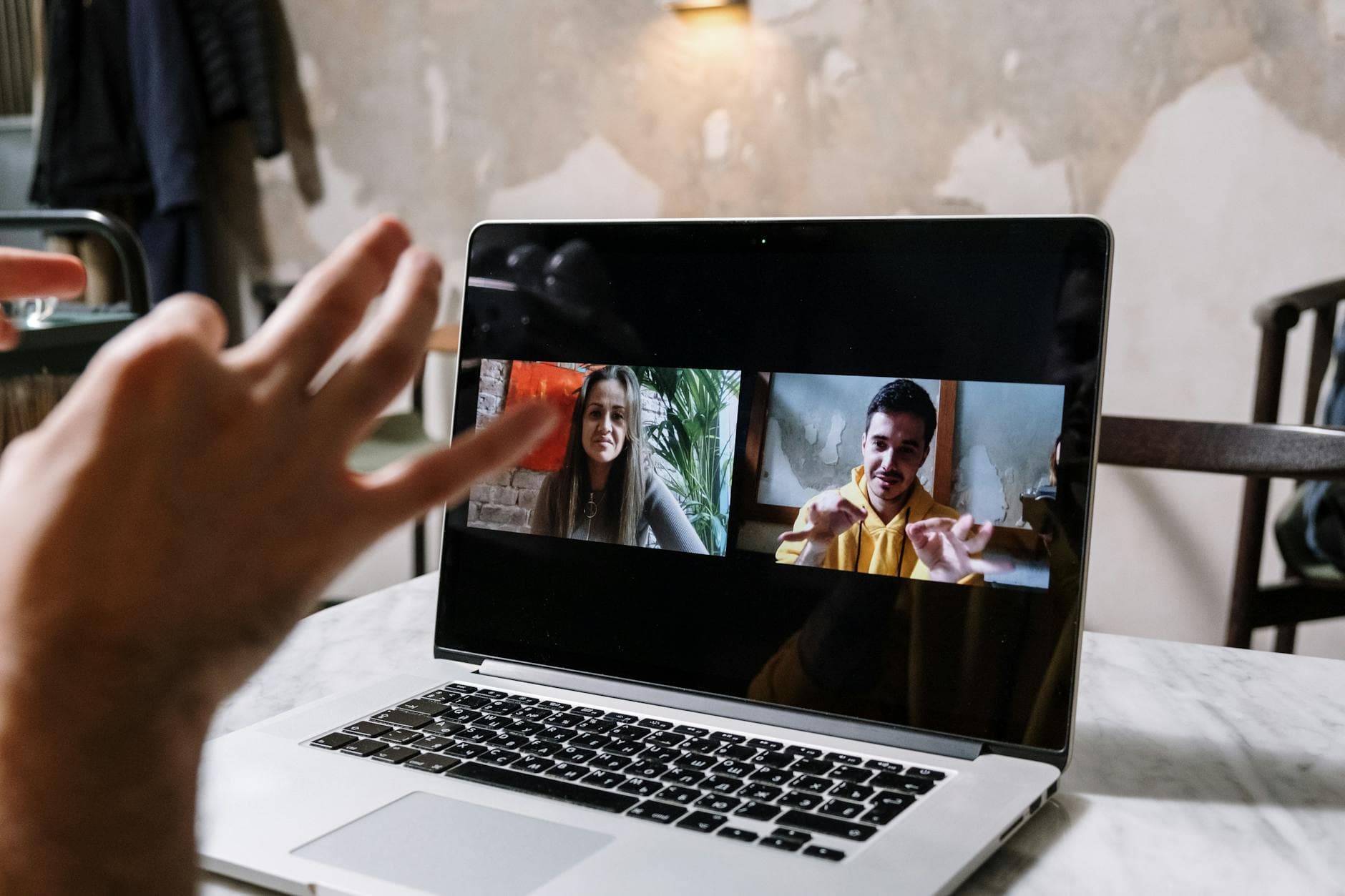
The way business is conducted has changed dramatically over the last few years, and the notary industry is no exception. If you are looking to modernize your practice, serve clients across state lines, and virtually eliminate drive-time from your schedule, learning remote online notarization (RON) is essential. By 2026, the majority of states have permanently adopted RON legislation, making it a standard—and highly demanded—service.
Whether you are a seasoned traditional notary or just starting your career, becoming a proficient RON notary opens up a lucrative new revenue stream. But performing an online notarization requires more than just clicking a few buttons. It involves strict identity verification protocols, specific technology requirements, and meticulous adherence to state laws.
If you have been searching for a straightforward "online notarization how to" guide, you are in the right place. Here is exactly how to perform a remote online notarization from start to finish.
Prerequisites Before You Begin
Before you can perform your first RON, you must ensure your foundational requirements are in place. You cannot simply jump on a Zoom call and call it a notarization.
First, you must hold an active traditional notary commission in your state. RON is generally considered an addition to your existing commission, not a replacement for it.
Second, you must be specifically authorized to perform RON in your state. This usually requires registering with your state's Secretary of State and paying an additional registration fee. Some states also mandate that you complete a state-approved RON training course and pass an exam before you can legally act as a RON notary. You can check your specific state notary requirements to see exactly what is expected where you live.
Finally, you need to choose and register with an approved RON platform. States do not allow you to use standard video conferencing software like Skype or standard Zoom. You must use a platform that meets strict NIST (National Institute of Standards and Technology) security guidelines, which generally means the platform handles credential analysis, records the audio-video session, and secures the electronic journal and digital seal all in one place. If you need help choosing, our guide to the best RON platforms breaks down the top options.
Materials and Technology Needed
To perform a flawless remote online notarization, your technology setup needs to be reliable. A dropped call or a frozen screen can invalidate the entire process. Here is what you need:
- A reliable computer: A desktop or laptop is highly recommended over a tablet or smartphone for stability and screen space.
- Dual monitors (optional but highly recommended): One screen for the video feed and identity verification, and the second for the document and electronic journal.
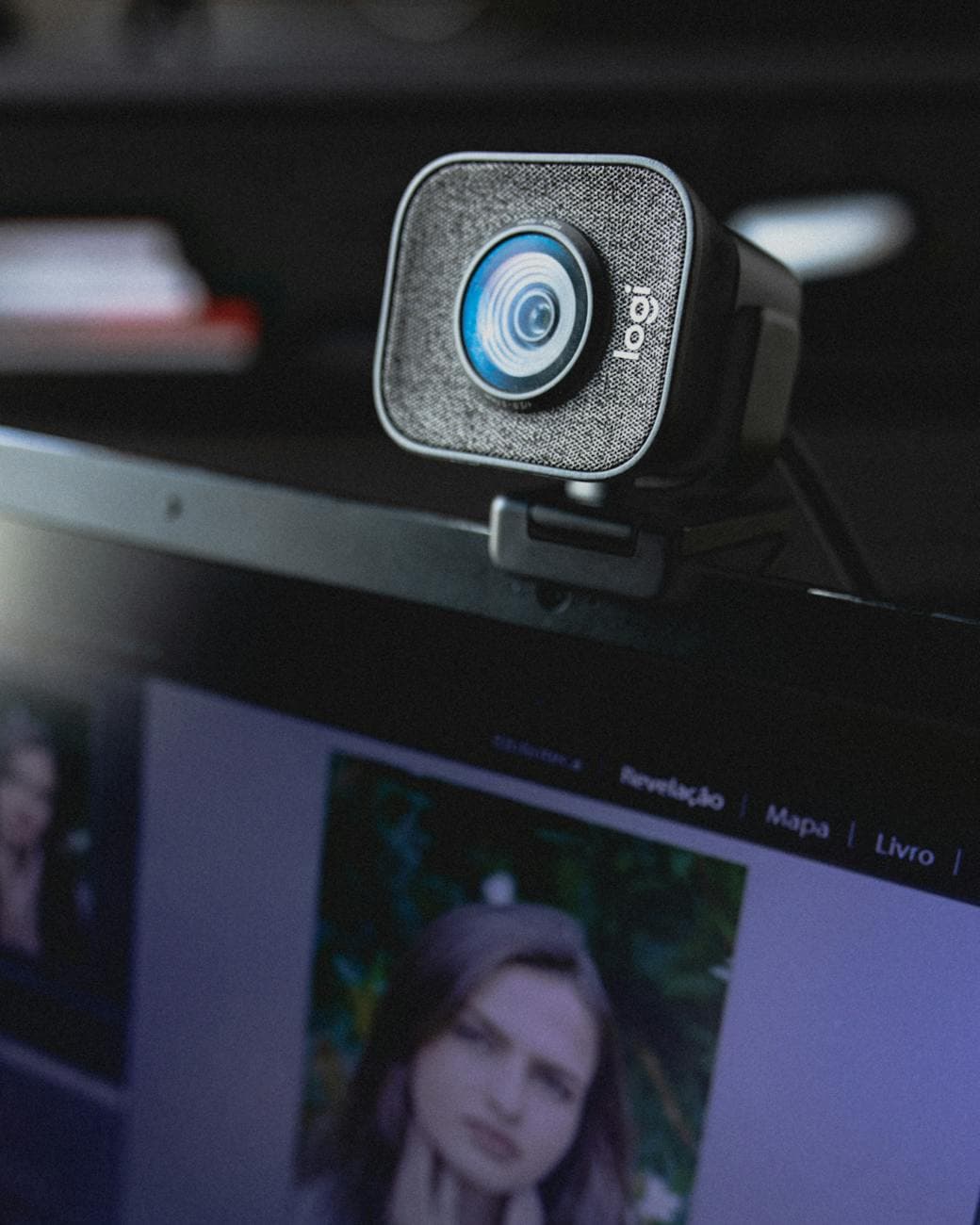
- HD Webcam and Microphone: The video and audio recording must be clear enough to identify the signer and capture their spoken acknowledgment.
- High-speed internet: A wired Ethernet connection is preferable to Wi-Fi to prevent interruptions.
- Digital Certificate and E-Seal: These are typically provided by your RON platform or a third-party vendor. They cryptographically bind your digital identity to the notarized document.
Step-by-Step Guide to Performing a RON
Once you are commissioned, trained, and technologically equipped, you are ready for a live session. While platform interfaces vary, the legal sequence of events generally follows these exact steps.
1. Upload and Prepare the Document
Before the signer joins, log into your RON platform and upload the unsigned document. Ensure you know exactly what type of notarization is required (acknowledgment, jurat, etc.) and that the document contains the proper notarial wording required by your state. Do not pre-fill any dates or your seal.
2. Initiate the Live Audio-Video Session
Invite the signer into the virtual notarization room. As soon as they enter, verify that you can clearly see their face and hear their voice. Confirm their identity by asking them to state their full name for the recording.
3. Perform Credential Analysis
The signer must present a valid, unexpired government-issued photo ID to the camera. You will use the platform's credential analysis tool to scan or take a photo of the ID. The software will run algorithms to ensure the ID is not a fake and that the security features are valid.
4. Complete Identity Proofing (KBA)
After the ID passes the software check, the signer must go through Knowledge-Based Authentication (KBA). The platform will generate a series of multiple-choice questions based on the signer's credit history and public records (e.g., "Which of the following streets did you live on in 2018?"). The signer generally has a limited amount of time and must answer a specific number of questions correctly to pass. Note: A small percentage of people cannot pass KBA due to thin credit files. In these cases, your state may allow a credible witness to step in, but check your local laws first.
5. Connect the Signer to the Document
Once identity is verified, use the platform to send the document to the signer's device. They must be able to see the document on their own screen to review it before signing.
6. Conduct the Notarial Act
This is where you perform the actual duties of a notary.
- For an Acknowledgment: Ask the signer, "Do you acknowledge that you signed this document willingly and for the purposes stated within it?"
- For a Jurat: You must verbally administer an oath or affirmation. For example, "Do you solemnly swear or affirm that the contents of this document are true and correct to the best of your knowledge?" Ensure the signer answers with a definitive "Yes" or "I do" clearly for the audio recording.
7. Capture the Electronic Signature and Apply Your Seal
The signer will electronically sign the document. Once signed, you will apply your electronic signature and digital seal. The platform should automatically populate the notarial block with the date and time of the notarization. Double-check that your seal renders correctly and does not overlap with text.
8. Complete the Electronic Journal Entry
Just like a physical notarization, a remote online notarization requires a journal entry. The RON platform will typically auto-populate the entry with the signer's name, date, time, document type, and a thumbnail of the ID used. You must review this entry for accuracy and digitally sign it to lock it in.
9. Archive the Recording and Documents
End the session. The platform will automatically encrypt and store the audio-video recording and the notarized document. Be sure to download a copy of the completed, sealed document to provide to your client, and retain access to the recording for the retention period required by your state (which is typically between 5 and 10 years).
Common Mistakes to Avoid
Even experienced notaries can stumble when transitioning to the digital space. Here are the most common pitfalls to watch out for:
- Rushing the KBA process: If a signer fails KBA, you absolutely cannot proceed with the notarization. Do not make exceptions, and never help them guess the answers.
- Accepting expired IDs: The rules for physical IDs still apply to RON. If the ID is expired, and your state does not explicitly allow expired IDs with additional credential analysis, you must decline the notarization.
- Leaving the frame: During the entire notarization, your face and the signer's face must be clearly visible on camera. Do not turn your camera off, look away from the screen for extended periods, or cover your face.
- Failing to maintain a backup: While the RON platform stores your recordings, it is generally a good practice to download and securely store a backup of critical notarizations on a local encrypted hard drive in case the platform ever experiences an outage or goes out of business.
- Giving legal advice: It can be tempting to help a signer who is confused about the legal wording in a document, especially when you are looking at it together on a screen. Remember your boundaries. Direct them to an attorney.

Troubleshooting Tips for RON Sessions
Technology is unpredictable, and things will inevitably go wrong. Knowing how to handle common hiccups will make you look like a professional.
The signer fails KBA: This is the most common issue. Have a protocol in place. Check if your state allows "Biometric Identity Proofing" as an alternative. Some platforms allow the signer to use their smartphone to take a 3D facial scan that is matched to their ID photo. If neither KBA nor biometrics work, you will likely have to reschedule the signing using a credible witness who has their own valid ID.
The video feed freezes or lags: If the video drops, stop talking immediately. Do not allow the signer to sign anything while the video or audio is not actively recording. If the platform allows it, switch to a built-in backup audio option (like a telephone call) while you wait for the video to stabilize. If the connection is completely lost, you will usually need to restart the session from the beginning.
The signer cannot figure out how to e-sign: RON platforms can be intimidating for elderly clients or those who are not tech-savvy. Use the screen-sharing feature to literally show them where to click. Speak slowly and clearly, and reassure them that they are not permanently signing anything until they click the final "Confirm" button.
Your digital seal won't attach: This usually happens if your digital certificate has expired or if there is a browser compatibility issue. Always ensure your digital certificate is renewed before it expires, and use a supported browser like Google Chrome or Microsoft Edge for your RON sessions.
Frequently Asked Questions
Is remote online notarization legal in all states? As of 2026, the vast majority of states have passed permanent RON laws. However, the specific requirements, approved platforms, and allowable notarial acts differ widely. A few states may still only allow RON under temporary emergency orders or have very limited provisions. Always verify your current state statutes before offering these services.
What is Knowledge-Based Authentication (KBA)? KBA is a security measure used during RON to verify a signer's identity. It involves generating a series of dynamic questions based on the signer's personal history, credit report, and public records. The signer must answer a certain number of questions correctly within a strict time limit to prove they are who they claim to be.
Do I need a physical stamp and ink seal for RON? No. Remote online notarizations utilize an electronic seal and digital signature that are cryptographically secure and attached to the digital document. You do not need to physically stamp a digitally notarized document. However, you will still need your physical seal for traditional, in-person notarizations.
How much can I charge for a remote online notarization in 2026? Fees vary entirely by state. Many states allow RON notaries to charge a base notary fee (often ranging from $5 to $25 per notarized signature) plus an additional technology fee to cover the cost of the RON platform and identity verification. This technology fee generally ranges from $15 to $50 per session. Always check your state's maximum fee schedule to ensure you are compliant.
Can I notarize a document for a signer located in a different state than where I am commissioned? Generally, yes, but with conditions. As a RON notary, you are physically located in your commissioning state, which gives you authority. However, the signer must be physically located in a state that recognizes remote online notarizations at the time of the signing. You are not notarizing based on the signer's location, but rather your location as the notary, provided the signer's state does not explicitly prohibit its residents from using out-of-state RON notaries.
How long do I need to keep the audio-video recording? Retention periods are dictated by state law and typically range from 5 to 10 years from the date of the notarization. Your RON platform will securely store these recordings for you, but you are legally responsible for ensuring the recordings are retained for the correct duration, even if you switch platforms or let your commission expire during that time
Want to master RON? Our RON Pro course teaches you everything you need to know about remote online notarization — from platfor
Related: Understand the legal framework in our notary laws and requirements guide for a complete overview.
m selection to legal compliance — for just $39.
.